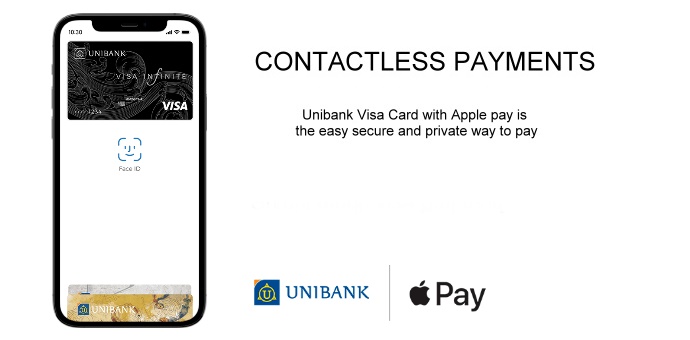
Apple Pay is now available in UniMobile, the mobile application of Unibank.
How to add your card to Apple Pay
Access the “Cards” section of the UniMobile application
Choose your preferred Visa card
Click the “Add to Apple Wallet” button
Click “Continue”
Read and agree to the terms and conditions.
At the end of the process, you will receive a message stating that your card is added to the Apple Wallet.
How to add your card to Apple Wallet?
It is very easy to set up Apple Pay. All you have to do is enter the Wallet application on your iPhone and follow the instructions to add a Unibank Visa credit or debit card.
Therefore:
Sign in to Apple Wallet on iPhone
Click the "+" sign in the upper right corner
Enter your card number or scan the card using your camera
Enter the card expiration date and CVV three-digit code
Read and agree to the terms and conditions, go ahead and you will receive an SMS that will be automatically entered into the system.
At the end of the process, you will receive a message stating that your card is added to the Apple Wallet.
We hope you enjoy shopping
How to make Apple Pay contactless payments via Unibank Visa cards