
Google Pay™ IN UNIBANK
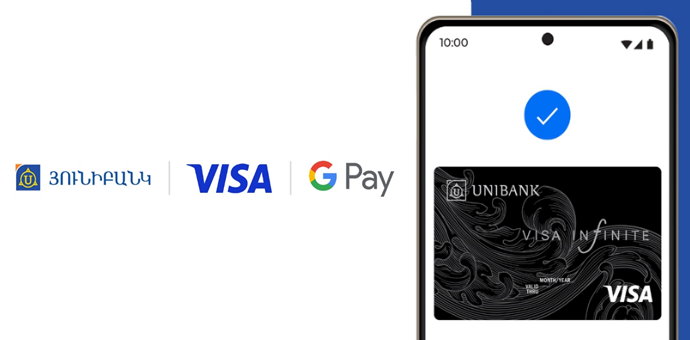
Google Pay™ IN UNIBANK
Google Pay™ enables cardholders to take advantage of simple and secure contactless payments and digital card storage on both Android and Wear OS devices.
How to add your card to Google Wallet via the UNIMobile app
How to add Unibank VISA card to Google Wallet
How to make Google Pay™ contactless payments via Unibank Visa cards
*Google Pay and Google Wallet are trademarks of Google LLC.
Archive 13.02.2026.
How to add your card to Google Wallet via the UNIMobile app
- Open the UNIMobile app
- Select the VISA card that you would like to add
- Click the “Add to Google Pay” button
- Read and accept the terms

How to add Unibank VISA card to Google Wallet
- Download Google Wallet on Google Play and open
- Click “Add card” by following the instructions
- Fill in your card details
- Read and accept the terms
- Enter the code received by SMS
How to make Google Pay™ contactless payments via Unibank Visa cards
*Google Pay and Google Wallet are trademarks of Google LLC.
Archive 13.02.2026.